InstantML Docs
Log, compare, and debug training runs with the InstantML SDK, API, and dashboard.
InstantML is hosted training observability for small ML teams: log runs from your Python training loop, then sort, chart, and compare them in the dashboard. Start with the quickstart to go from API key to a charted run in about five minutes, or jump straight to the area you need below.
Log your first run
Log a complete run with a project, config, tags, and three metric series:
import instantml as im

run = im.init(
    project="cartpole",
    name="ppo-seed-42",
    config={"seed": 42, "algorithm": "ppo", "learning_rate": 3e-4},
    tags=["ppo", "baseline"],
    notes="First PPO baseline.",
)

for step in range(100):
    run.log(
        {
            "train/reward": step * 1.5,
            "train/loss": 1.0 / (step + 1),
            "eval/accuracy": min(1.0, 0.5 + step / 200),
        },
        step=step,
    )

run.finish()
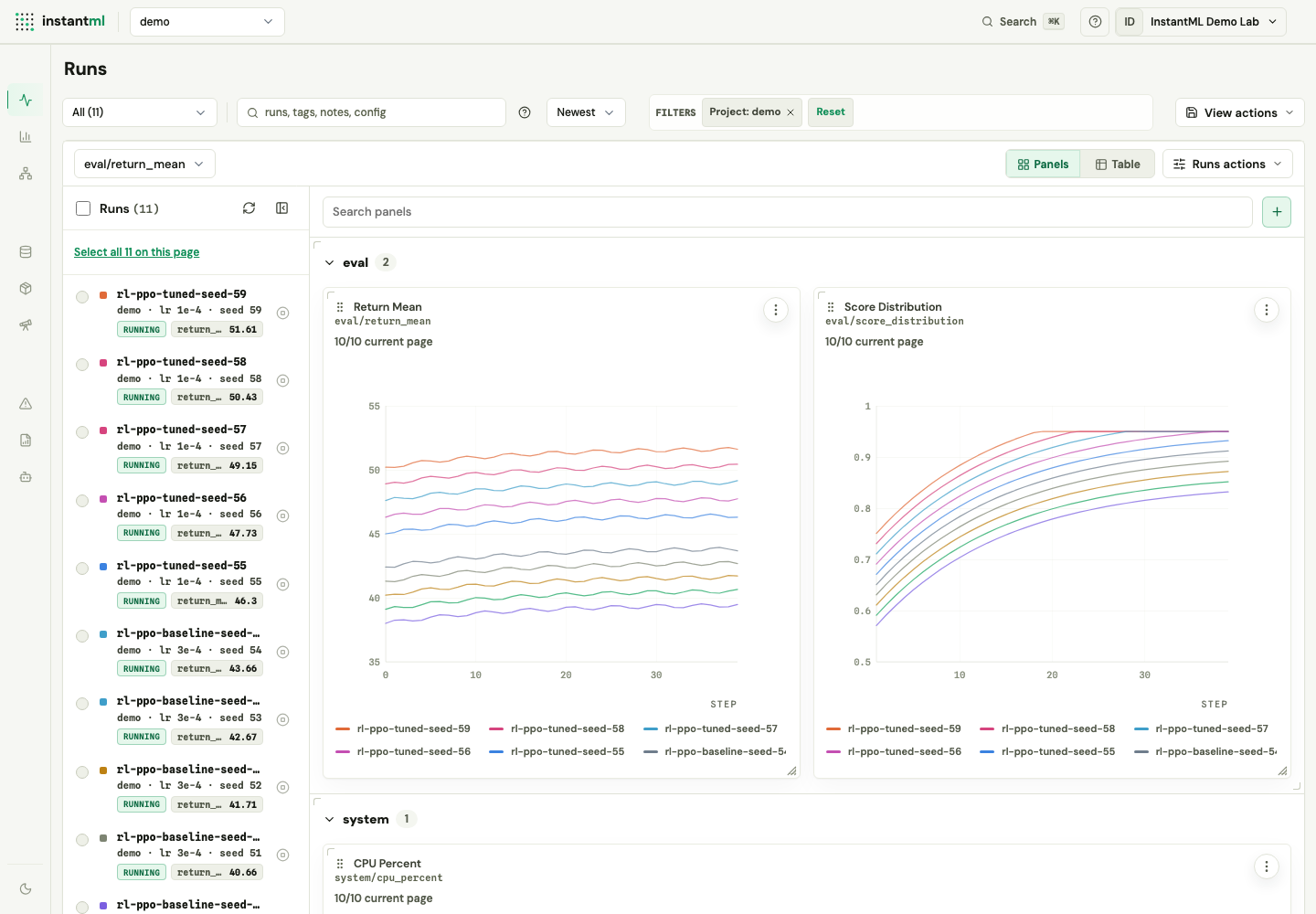
Open the dashboard when the script finishes. The project appears in the project selector, the run appears in the run list, config values appear in Run Detail and Compare, and every metric key becomes a chartable series.
Ready to run it yourself? The quickstart walks through the API key, install, and first run end to end, and Core concepts explains the workspace, project, run, and metric model behind it.